
When a Custom API Integration Is Worth Building
A practical framework for comparing custom development with connectors and automation tools before committing time and budget.
A custom API integration can eliminate repetitive work, connect systems that were never designed to cooperate, and give a business control over how its data moves. It can also create a new operational dependency that must be secured, monitored, documented, and maintained for years.
That is why the decision should not begin with “Does this platform have an API?” The more useful question is: Will a custom integration produce enough durable business value to justify building and owning it?

What Is a Custom API Integration?
An application programming interface, or API, is a defined way for software systems to exchange data and request actions. A custom API integration is code created for a specific organization, workflow, or combination of systems rather than a general connector sold to many customers.
For example, a business may need to receive a qualified lead from one platform, validate the fields, match the lead to an existing customer, assign it according to internal rules, create a record in a CRM, and notify the correct team. A standard connector may move the lead, but custom logic may be necessary to handle matching, routing, consent, exceptions, and audit history.
Custom does not necessarily mean large. A focused integration may be a small serverless function or scheduled service. What makes it custom is that its logic, data model, and operating rules are designed around the business rather than around a prebuilt template.
When Is a Custom API Integration Worth Building?
The strongest cases combine a meaningful problem with a stable process. The following signals indicate that an integration deserves serious evaluation:
- Repeated manual work: employees copy, reformat, import, or reconcile the same data across systems.
- Costly delays: manual handoffs slow sales follow-up, fulfillment, reporting, or customer support.
- Measurable error risk: missing or duplicated records can affect revenue, customer experience, compliance, or decision-making.
- Unique business logic: routing, validation, approval, pricing, or matching rules cannot be represented by a standard connector.
- Required scale: transaction volume makes manual work or per-operation automation pricing impractical.
- Control requirements: the organization needs its own logging, security model, data residency, retry behavior, or release schedule.
- Strategic differentiation: the workflow supports an experience or operational capability that competitors cannot reproduce with the same off-the-shelf setup.
Frequency is only one part of the decision. A monthly reconciliation may justify custom development if a failure creates a large financial exposure. A task performed every hour may not justify it if a supported native integration already solves the problem reliably at a reasonable price.
Do Not Automate an Undefined Process
If different team members perform the workflow differently, development should not be the first step. Begin by defining the trigger, required inputs, business rules, exceptions, owner, expected output, and recovery path.
Automation makes a process faster and more consistent. When the process is unclear, it can also make errors faster, repeat them at scale, and make responsibility harder to identify. A simple process map and several real examples usually expose missing decisions before they become expensive code changes.
Build, Buy, Configure, or Use an Automation Platform?
Custom code is one option, not the default answer. Evaluate the least complex approach that can meet the business, security, and reliability requirements.
| Approach | Best fit | Main advantage | Main limitation |
|---|---|---|---|
| Configure | The required workflow already exists inside the products | Low cost and vendor-supported | Limited to available settings |
| Native connector | Common data sync with standard fields and actions | Fast implementation | May offer little control over exceptions |
| Automation platform | Moderate volume and visual workflow logic | Rapid iteration with less code | Usage costs and platform constraints can grow |
| Specialized product | A mature tool already solves the recurring requirement | Features, support, and maintenance included | Subscription cost and vendor dependency |
| Custom integration | Unique logic, scale, control, or reliability needs | Tailored behavior and ownership | Development and ongoing maintenance |
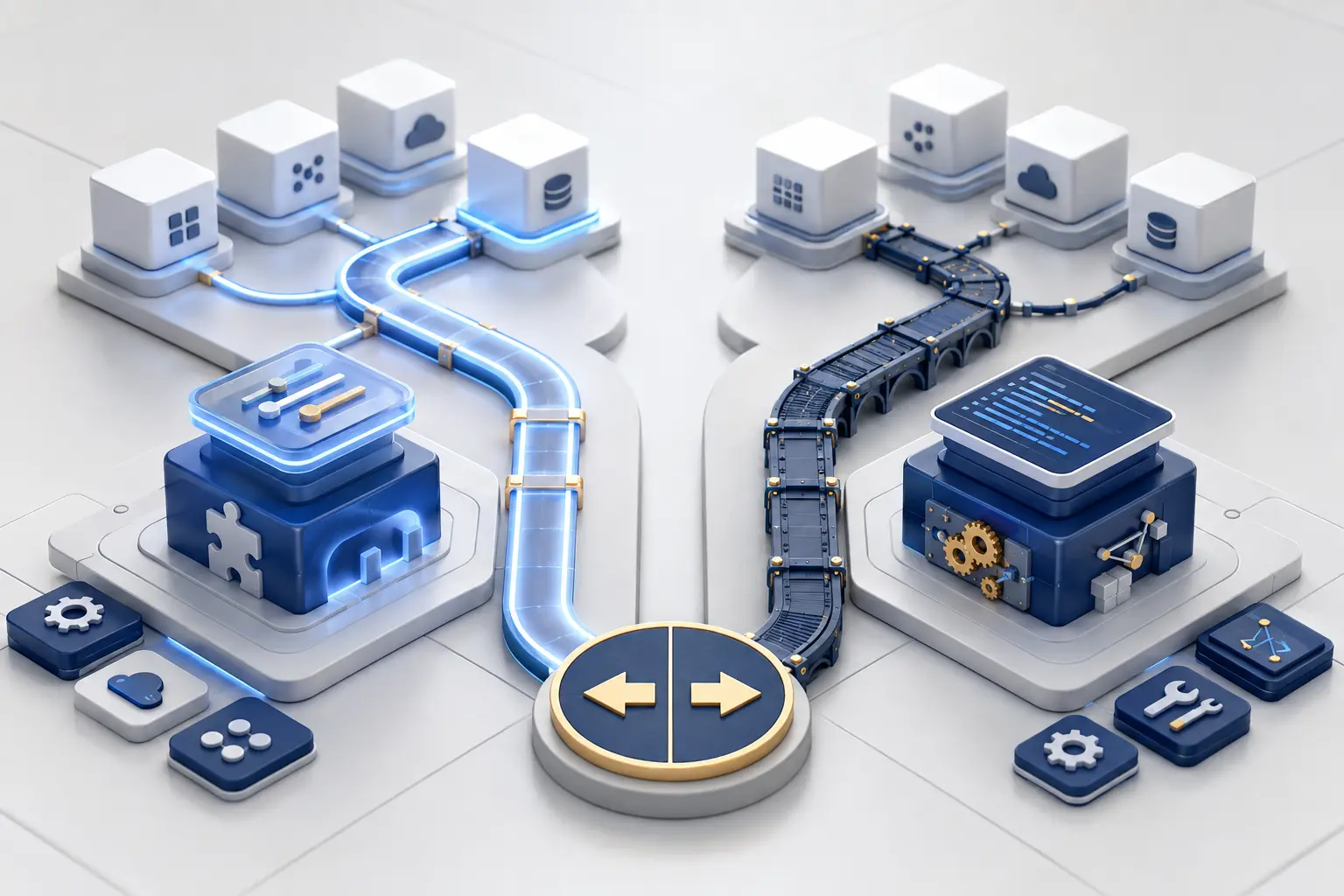
A useful evaluation sequence is: configure first, then examine supported connectors, then compare a specialized product or automation platform, and finally consider custom development. This is not a rule against custom software. It is a way to confirm that custom ownership is buying a capability the simpler options cannot provide.
How to Estimate the Business Case
The expected value should be stated before development begins. Avoid relying only on broad promises such as “saving time” or “improving efficiency.” Estimate the current cost, the expected improvement, and the cost of owning the solution.
A practical first-year comparison can include:
- hours spent on the manual workflow multiplied by the fully loaded hourly cost;
- financial impact of errors, duplicate work, missed records, or delayed action;
- revenue or retention improvement reasonably attributable to faster, more reliable execution;
- fees for existing connectors, automation operations, or manual outsourcing;
- development, testing, hosting, monitoring, security review, documentation, and maintenance costs.
Use conservative assumptions and calculate more than one scenario. A base case, best case, and downside case make the uncertainty visible. If the project only makes sense under an optimistic scenario, the scope or approach probably needs to change.
Remember the Full Cost of Ownership
The first release is only part of the cost. APIs change, authentication expires, schemas evolve, staff members leave, and downstream systems experience outages. Include version upgrades, incident response, observability, data reconciliation, documentation, and future handoff.
A small integration without monitoring or ownership can become more expensive than a larger, well-operated system. The sustainable solution is the one the organization can understand and support after the original developer is no longer involved.
Define the Data Contract Before Writing Code
A reliable integration begins with agreement about the data. For every important field, document its meaning, format, source, destination, validation rule, and owner. Decide which system is authoritative when two systems disagree.
The specification should answer practical questions:
- What event starts the workflow?
- Which records are eligible and which must be excluded?
- Which identifiers connect the same customer, order, lead, or account across systems?
- What happens when a required field is missing or invalid?
- Can the same request be processed twice without creating a duplicate?
- How are corrections synchronized after the original transaction?
- How long are operational logs and payloads retained?
This data contract reduces ambiguity between business and technical teams and gives testing a clear standard. It also makes future changes safer because dependencies are documented.
Security, Permissions, and Data Protection
An integration should receive only the permissions necessary for its job. Prefer supported service accounts, system users, or OAuth applications over a staff member’s personal credentials. Credentials must be stored in a secret manager or protected environment configuration, not embedded in public code, shared documents, or client-side JavaScript.
Assign responsibility for creating, rotating, revoking, and auditing credentials. Access should be removable without rebuilding the integration. Where the data includes personal or sensitive information, collect only what the workflow requires and align retention, deletion, consent, and access procedures with the organization’s legal and privacy obligations.
Design for Failure From the Beginning
Every production integration eventually encounters timeouts, rate limits, invalid data, expired credentials, network failures, API changes, or downstream outages. Reliability depends less on pretending those events will not happen and more on defining what happens when they do.
- Validation: reject or quarantine malformed records before they contaminate another system.
- Idempotency: make repeated requests safe so retries do not create duplicate customers, orders, or events.
- Retry policy: retry temporary failures with controlled backoff, but do not endlessly retry permanent errors.
- Logging: store correlation identifiers, status, timestamps, and enough context to investigate without unnecessarily exposing sensitive data.
- Alerts: notify a responsible owner when failures exceed a threshold or data stops flowing.
- Recovery: provide a controlled way to replay, reconcile, or manually resolve missed records.
- Version monitoring: track API release notes and deprecation deadlines before a breaking change reaches production.

Examples of Strong Custom Integration Use Cases
The business case is easier to evaluate when the outcome is specific. Common examples include:
Lead qualification and routing
Validate incoming leads, prevent duplicates, enrich approved records, assign ownership, and preserve campaign context across systems.
Order and inventory synchronization
Keep authoritative product, stock, order, and fulfillment states aligned when standard connectors cannot represent the required rules.
Measurement data pipelines
Transform authoritative business events into consistent analytics or advertising events with validation, consent controls, and deduplication.
Client reporting operations
Collect approved data from several sources, normalize definitions, and publish repeatable reports without fragile manual exports.
Each example should begin with one valuable end-to-end outcome. “Integrate all company systems” is too broad for a first release. “Synchronize paid invoices from the billing platform to the operations database within five minutes” is testable and gives the project a clear boundary.
A Practical Custom API Integration Roadmap
- Document the current workflow. Measure volume, time, failure rate, delay, and business impact.
- Define the target outcome. State what should happen, how quickly, and how success will be measured.
- Evaluate alternatives. Compare configuration, native connectors, automation platforms, specialized products, and custom code.
- Map systems and data. Identify sources of truth, required fields, permissions, rate limits, and privacy constraints.
- Design failure handling. Specify validation, idempotency, retries, alerts, reconciliation, and manual recovery.
- Build a narrow first version. Solve one workflow completely rather than partially connecting many systems.
- Test with real scenarios. Include missing data, duplicates, timeouts, revoked credentials, rate limits, and destination outages.
- Launch with monitoring. Use dashboards or alerts that reveal both visible errors and silent drops in volume.
- Document ownership. Record who supports the integration, rotates credentials, approves changes, and responds to incidents.
- Review after launch. Compare the actual business result with the original assumptions and refine only where the evidence supports it.
Common Custom API Integration Mistakes
- Starting development before the business rules and exceptions are agreed.
- Building a custom connector when supported configuration already solves the requirement.
- Using one employee’s credentials for a production service.
- Treating a successful API response as proof that the entire business process succeeded.
- Retrying requests without idempotency and creating duplicate records.
- Logging complete sensitive payloads when limited diagnostic context would be enough.
- Launching without alerts, reconciliation, documentation, or a named maintenance owner.
- Expanding scope before the first workflow produces measurable value.
A Practical Decision Checklist
Before approving a custom build, confirm that:
- the workflow and its exceptions are documented;
- the current cost or risk is measurable;
- simpler supported options were evaluated;
- custom logic, control, or scale creates a clear advantage;
- each important field has a source of truth;
- authentication and least-privilege access are defined;
- privacy, retention, and deletion requirements are understood;
- rate limits, retries, duplicates, and outages have handling rules;
- monitoring and reconciliation are included in the scope;
- a person or team owns maintenance after launch;
- the first version has a narrow, testable outcome;
- the expected value justifies both build and operating costs.
Frequently Asked Questions
How do I know whether to use an automation platform or custom code?
Use an automation platform when its available triggers, actions, volume, security controls, and error handling meet the requirement at a sustainable cost. Consider custom code when the workflow needs unique business logic, stricter reliability, deeper control, higher scale, or behavior the platform cannot support safely.
Does a custom API integration have to be expensive?
No. Cost depends on scope, systems, data complexity, reliability requirements, and maintenance. A narrow integration with a stable API can be modest. A multi-system workflow involving sensitive data, complex reconciliation, and strict uptime requires more engineering and ongoing operations.
What should the first version include?
The first version should complete one valuable workflow from trigger to verified outcome. It should also include authentication, validation, logging, retry rules, monitoring, documentation, and a recovery procedure. These are production requirements, not optional extras for a later phase.
Who should own the integration after launch?
A named business owner should own the outcome and a named technical owner should own operation and maintenance. The organization should also document credential rotation, incident response, change approval, vendor contacts, and handoff procedures.
How long does a custom API integration take to build?
A focused integration may take days or weeks, while complex multi-system projects can take months. A trustworthy estimate requires confirmed API access, sample data, business rules, exception cases, security requirements, test environments, and acceptance criteria.
Can an integration be reliable without monitoring?
No production integration should depend only on users noticing a problem. Monitoring should reveal errors, abnormal latency, authentication failures, backlog growth, and unexpected drops or spikes in transaction volume.
Final Recommendation
Build a custom API integration when the business has a clear, repeated, and valuable workflow that simpler tools cannot solve well enough. Define the process and data before development, begin with a narrow outcome, and include security, failure handling, monitoring, documentation, and ownership from the start.
The goal is not to create more software. It is to create a dependable operational capability whose value remains greater than its total cost of ownership.